To play for real money, you need to have location authorization enabled. 🌐
Activating location services on Iphone
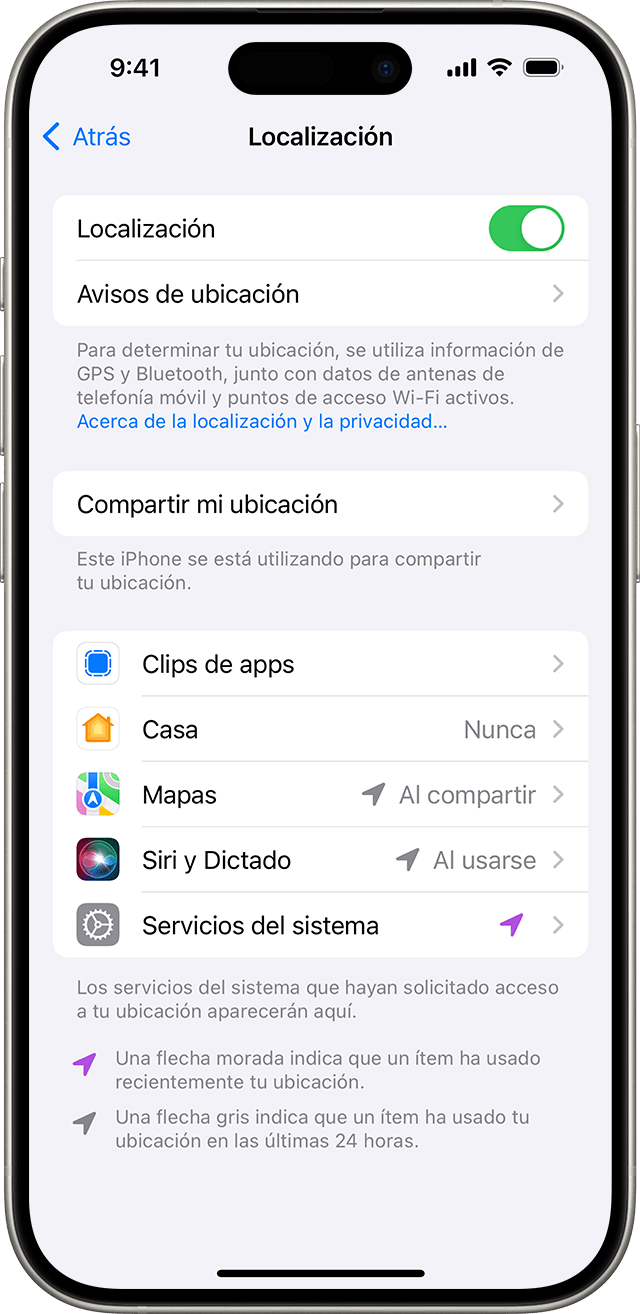
Go to Settings > Privacy & Security > Location Services.
Make sure Location Services is turned on.
Scroll down and find the app.
Tap the app and select “While Using the App”.
This allows the app to access your location only when it or one of its features is on screen. If the app has “While Using the App” enabled, you might see your status bar turn blue with a message indicating that the app is actively using your location.
You're all set!
With location services turned on, you can now play the game smoothly and without interruptions. 🎮🌐🚀